 OberBuilt Inventory
Guide for QuickBooks® Desktop users
Moving from QuickBooks Desktop? Build your assemblies in QuickBooks Online.
If you built inventory assemblies in QuickBooks Desktop, this is how the same work is done with QuickBooks Online and OberBuilt Inventory.
What changes when you move
QuickBooks Online Plus and Advanced track inventory, but they have no step that turns components into a finished product and carries the components' cost into it. Intuit currently offers manufacturing orders and assemblies in Intuit Enterprise Suite (Intuit's help article).
Can I bring over my QuickBooks Desktop assemblies?
Not automatically. Intuit's move to QuickBooks Online brings your items across, but QuickBooks Online Plus and Advanced have nothing that builds from an assembly's component list, and OberBuilt Inventory doesn't import those lists. You set up each bill of materials once, choosing components from the items already in your QuickBooks Online company. Every build after that uses it.
Set up an assembly and build it
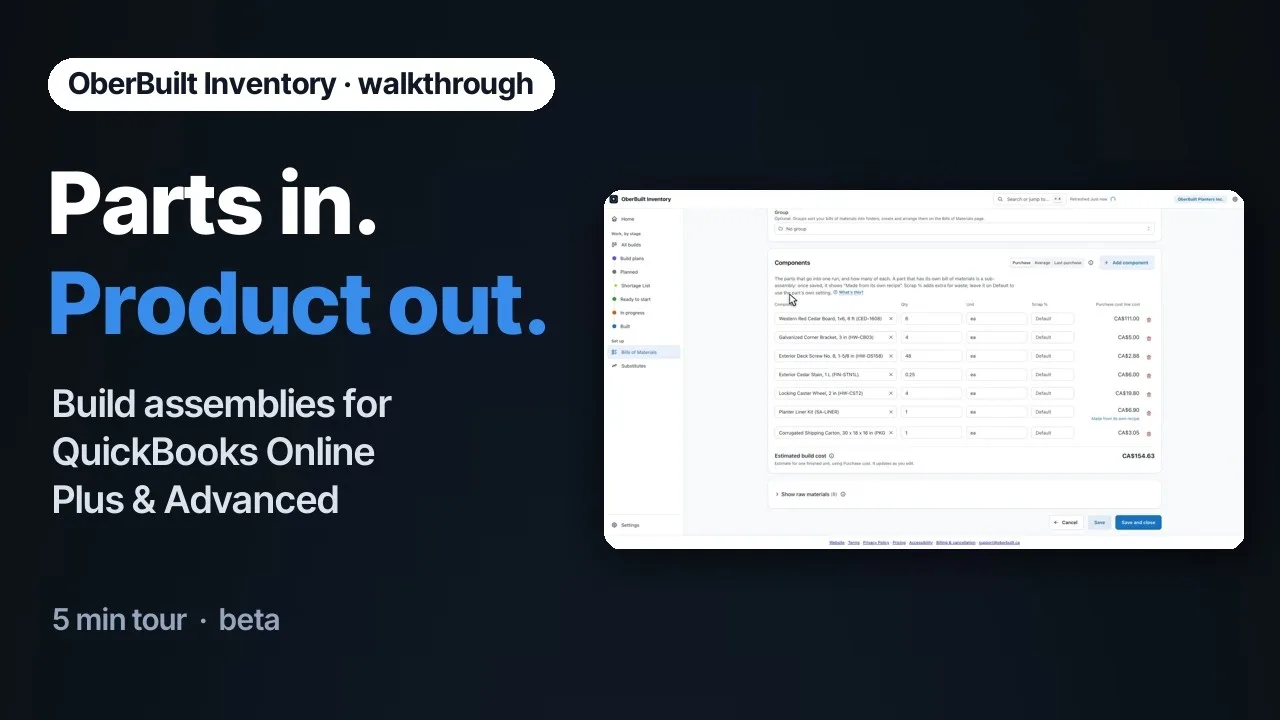
Playing the video loads it from YouTube, a Google service, which then receives your IP address and may set cookies, including for advertising. See our Privacy Policy, YouTube’s Terms of Service and Google’s Privacy Policy.
Connect your company.
Connect your QuickBooks Online company. Your items, quantities and open purchase orders come across.
Write the bill of materials.
For each assembly, choose the finished product, then add its components and the quantity of each, from the items already in your QuickBooks Online company. The finished product must be an inventory item. You see the rolled-up cost.
Add sub-assemblies.
If a component is itself built from other items, give it a bill of materials of its own. Sub-assemblies can go as deep as you need, and OberBuilt Inventory plans builds for the sub-assemblies at every level, down to a depth you choose.
Build.
Plan a build, start it, complete it. Components come out of stock and finished goods go in, at the FIFO cost QuickBooks Online recorded.
Check the result in QuickBooks Online.
OberBuilt Inventory is in beta. It writes builds into your QuickBooks Online books, so check its results there before you rely on them (Terms, section 3).
If a build was a mistake
Reversing a build whose finished goods are still on hand returns the components at the cost the build was made at, not today's cost. Un-building can also change the cost QuickBooks Online recorded for later sales or adjustments of the items involved, so check the Inventory Valuation Detail report in QuickBooks Online afterwards.
Before you start
- Works with QuickBooks Online Plus or Advanced, with "Track inventory quantity on hand" turned on in its settings.
- See shortages before they stop you: across planned and in-progress builds, net of open purchase orders due in time.
- It does not do work orders, purchase planning, scheduling, lot or serial tracking, barcode scanning, shipping or multiple warehouses.